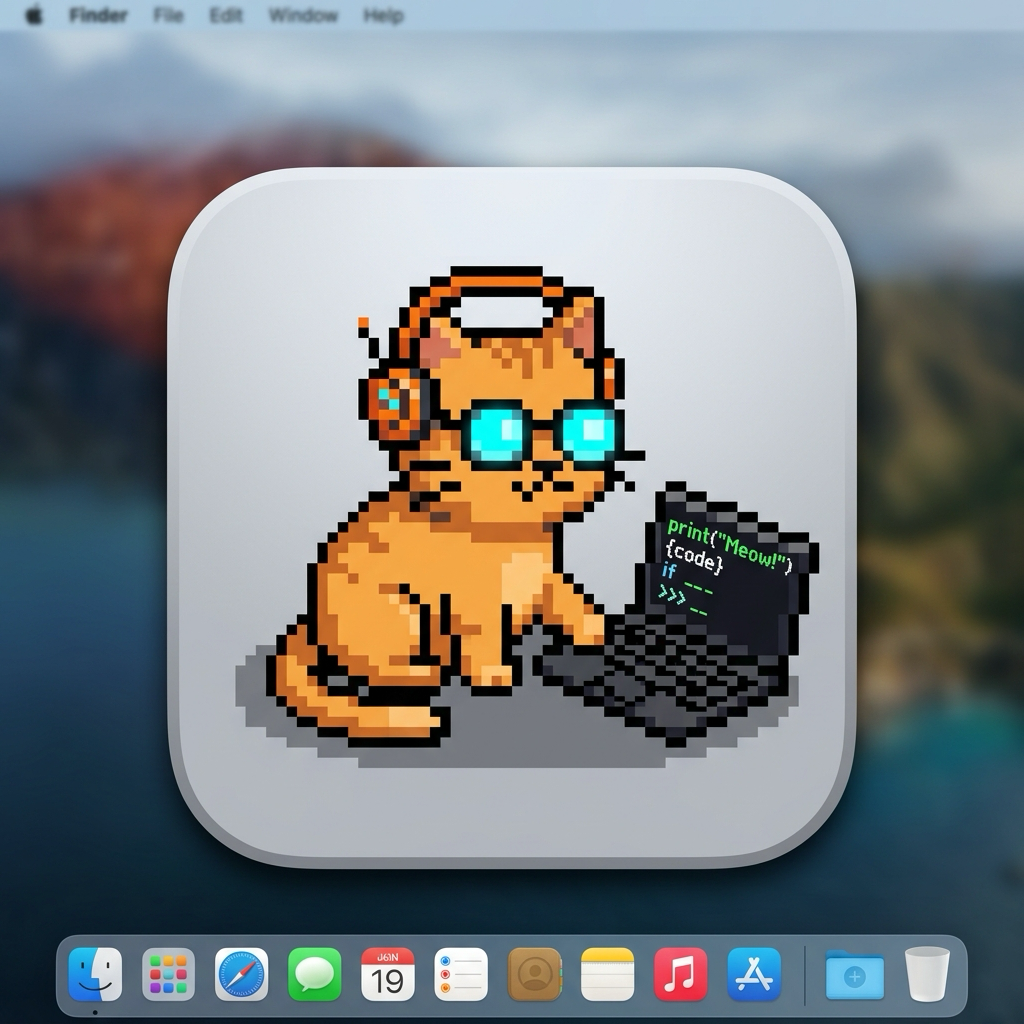
Your 8-bit desktop companion fed by real Git commits.
DevPet lives in your macOS Menu Bar and Desktop HUD. It watches your Git commits, senses Apple Silicon compile workloads, and levels up with every line of code you ship.
Bit
Your Developer Desktop CompanionFuel Your Companion with Tech Snacks
Every snack provides tailored stat boosts and XP rewards. Feed them when you're between commits or debugging complex bugs.
Espresso Shot
+15 Energy, +10 XP, +5 Hunger
Pizza Slice
+35 Hunger, +20 Happiness, +20 XP
DDR5 RAM Stick
+40 Hunger, +20 Energy, +35 XP
Software Bug
+30 Happiness, +15 Energy, +40 XP
Turbo Fuel
+40 Energy, +15 Happiness, +25 XP
HTTP Cookie
+20 Hunger, +15 Energy, +15 XP
Rubber Duck
+35 Happiness, +20 Energy, +30 XP
Mechanical Keycap
+25 Happiness, +10 Energy, +25 XP
Fed on Real Git Commits
DevPet uses native Darwin file-system dispatch events to detect commits in your monitored repositories. Commits restore hunger, grant XP, and trigger joyful dances.
Apple Silicon Mach Kernel Telemetry
Integrated with Darwin's host_processor_info. When you compile Rust/Swift, build Docker images, or train LLMs, DevPet breaks a sweat in Overclock Crunch Mode.
Menu Bar & Floating Screen Buddy
Choose whether DevPet lives as a sleek compact menu bar popover or a transparent, click-through floating companion lounging on your screen above the dock.
macOS Menu Bar Popover
Glance at current vitals, digested commits, and hardware stats with a single click in your top system bar.
Floating Desktop HUD
Zero-distraction companion that animates alongside your IDE with customizable opacity and click-through mode.
Control Everything from Your Shell
DevPet responds to custom macOS URL schemes. Add these single-line aliases to your .zshrc or Git hooks for seamless command line automation.
alias coffee="open 'devpet://feed?item=espresso'"
alias pizza="open 'devpet://feed?item=pizza'"
function gc() { git commit "$@" && open "devpet://commit?msg=$(git log -1 --pretty=format:%s | head -c 40)"; }
Built with Clean Architecture & SwiftUI
Engineered without bloated third-party dependencies. Powered by native SwiftUI Canvas, Darwin Mach APIs, and Swinject dependency injection.
Domain Layer
Pure business entities (Pet, Species, Snacks, Metrics) and use cases. Completely independent of frameworks.
Data Layer
Darwin Mach CPU monitors, Git directory file-system dispatchers, and UserDefaults persistence repositories.
Presentation Layer
Reactive ObservableObject ViewModels driving UI states and coordinating periodic metabolic ticks.
UI Layer
Clean Apple HIG interface, procedural 16x16 Canvas sprite rendering, and native macOS desktop HUD windows.
Engineered for macOS Power Users
Everything You Need to Know
Everything you need to know about setting up and using DevPet.
DevPet uses macOS native DispatchSourceFileSystemObject kernel notifications to monitor the .git/logs/HEAD or refs/heads directory. It doesn't poll repeatedly in a sleep loop, consuming zero noticeable CPU cycles.
Never. DevPet only inspects commit timestamps and commit messages to trigger pet feeding. It contains a Privacy Manifest (PrivacyInfo.xcprivacy) confirming zero data collection.
Yes! DevPet integrates with VS Code, Xcode, Cursor, Zed, Ghostty, iTerm2, Kitty, and standard Terminal via custom URL schemes (`devpet://feed` and `devpet://commit`).
DevPet enters sleep mode. It won't die, but its hunger and happiness drop. Feeding it snacks from the Geek Pantry or shipping a hotfix restores its spirits instantly!
Open the Settings pane (⌘,) to toggle between English and Turkish, switch species, or reset progress if you want to start fresh from Level 1.
Adopt your developer companion today.
Available now on the Mac App Store for macOS Sonoma and Sequoia.

Available exclusively on the Mac App Store • Requires macOS 14.0 or later • Free & Private